
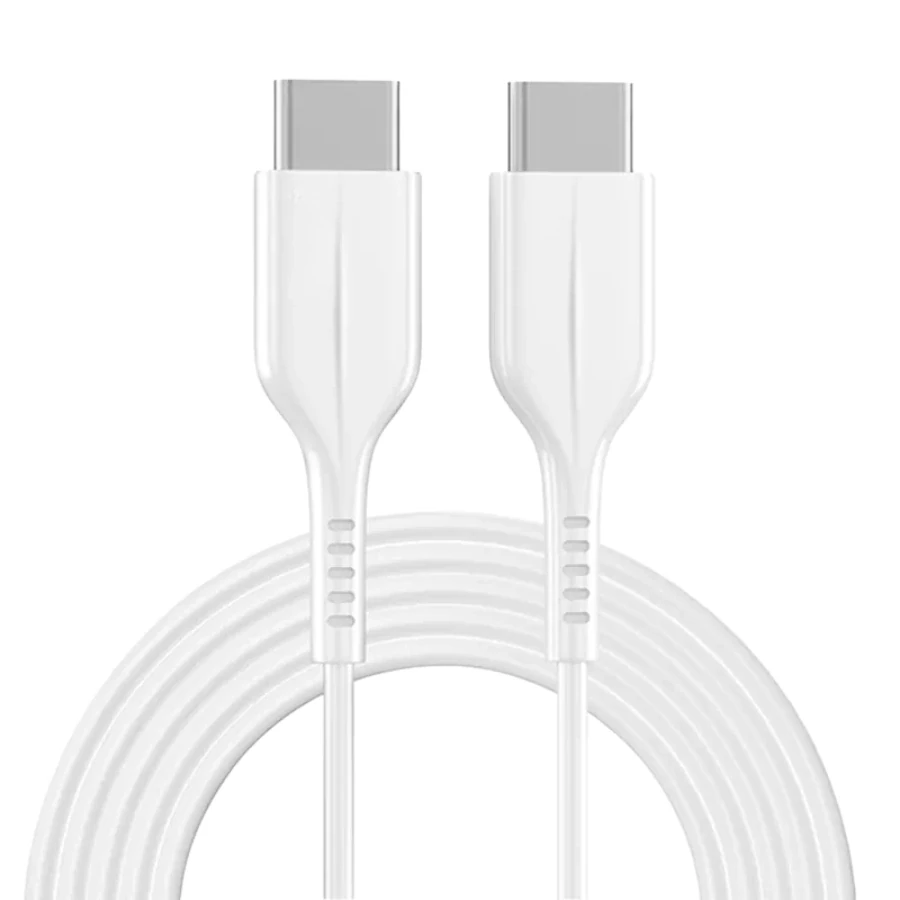
Fast charging needs the full chain
The cable is only one part of the setup. Your wall adapter, device, port condition and cable all affect charging speed.
Check the wall adapter
A cable connected to a low-power adapter will not deliver fast charging. USB-C chargers often provide better charging options than older low-power USB-A blocks, depending on your device.
Check the port and cable condition
Dust, loose connectors, damaged cable ends and worn ports can reduce performance. If charging disconnects or feels unstable, stop using the damaged accessory.
Your device may slow down by design
Phones often reduce charging speed when the battery gets warmer or reaches a higher percentage. Slower charging near the end is normal for many devices.